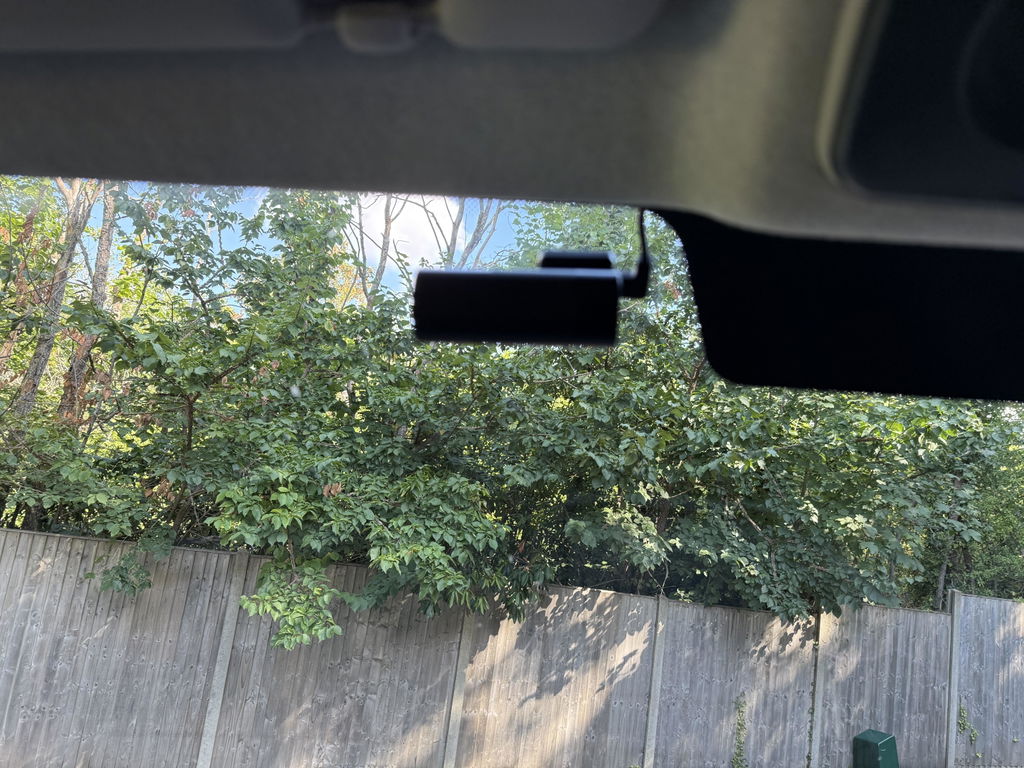
Road Angel Halo Go Compact Dash Cam with 64GB SD Card & Hardwiring Kit Bundle

Road Angel Halo Go Compact Dash Cam with 64GB SD Card & Hardwiring Kit Bundle

Road Angel Halo Go Compact Dash Cam with 64GB SD Card & Hardwiring Kit Bundle

In Stock

£149.97

    Installation:

    Dash Cam inc SD & HWK

Quantity

Free & Next-Day delivery available

Hassle-Free returns within 30 days

Industry leading 3 Year warranty

Price match from reputable sources

What's In The Box

Road Angel Halo Go Compact Dash Cam with 64GB SD Card & Hardwiring Kit Bundle

Road Angel Halo Go Compact Dash Cam with 64GB SD Card & Hardwiring Kit Bundle

Road Angel Halo Drive 2 1440p QHD Dash Cam (Now Type C )

USB power cable

3M adhesive

Quick Start Guide

Dual USB power adapter

Static film

Trim tool

Customer Reviews

Frequently Asked Questions

What Micro SD card should I use?

Road Angel recommends a Class 10 or higher Micro SD card with a capacity between 16GB and 128GB. Higher‑endurance cards are preferred for continuous loop recording, and larger capacities reduce the frequency of overwritten footage. Check out our automotive grade SD cards here

How do I connect to the Halo via Wi-Fi?

Download our App from the Google Play store of Apple Appstore. Launch the app and press the ‘+’ icon in the top right corner, then follow the instruction that will be shown in the app. The default Wi-Fi password is set to ‘1234567890’.

Why can't I use live preview, playback footage or download videos?

Live preview and video downloads require a direct Wi‑Fi connection between your phone and the dashcam. If your phone is still connected to mobile data or another Wi‑Fi network, the app won’t be able to access the camera. Connect to the Halo’s Wi‑Fi network first, then reopen the app.

Why isn't my Halo Pro showing my speed?

Speed data only appears when the Halo Pro has a stable GPS connection. If no speed is displayed, the GPS may still be acquiring signal, or the vehicle may be in an area with weak coverage such as tunnels, underground car parks, or dense urban environments.

Which way should I orientate my Halo Pro's rear camera?

The rear camera should be mounted centrally on the rear window with the lens facing outward and the cable exiting from the top. This ensures the image is recorded the right way up and aligns correctly with the front camera’s field of view.

How do I format my SD card?

You can format your SD card directly through the Halo app or via the dashcam’s menu. Make sure the camera is powered on, then open the app and select the format option in the settings. Keep the device powered during formatting and never remove the card while the process is running.